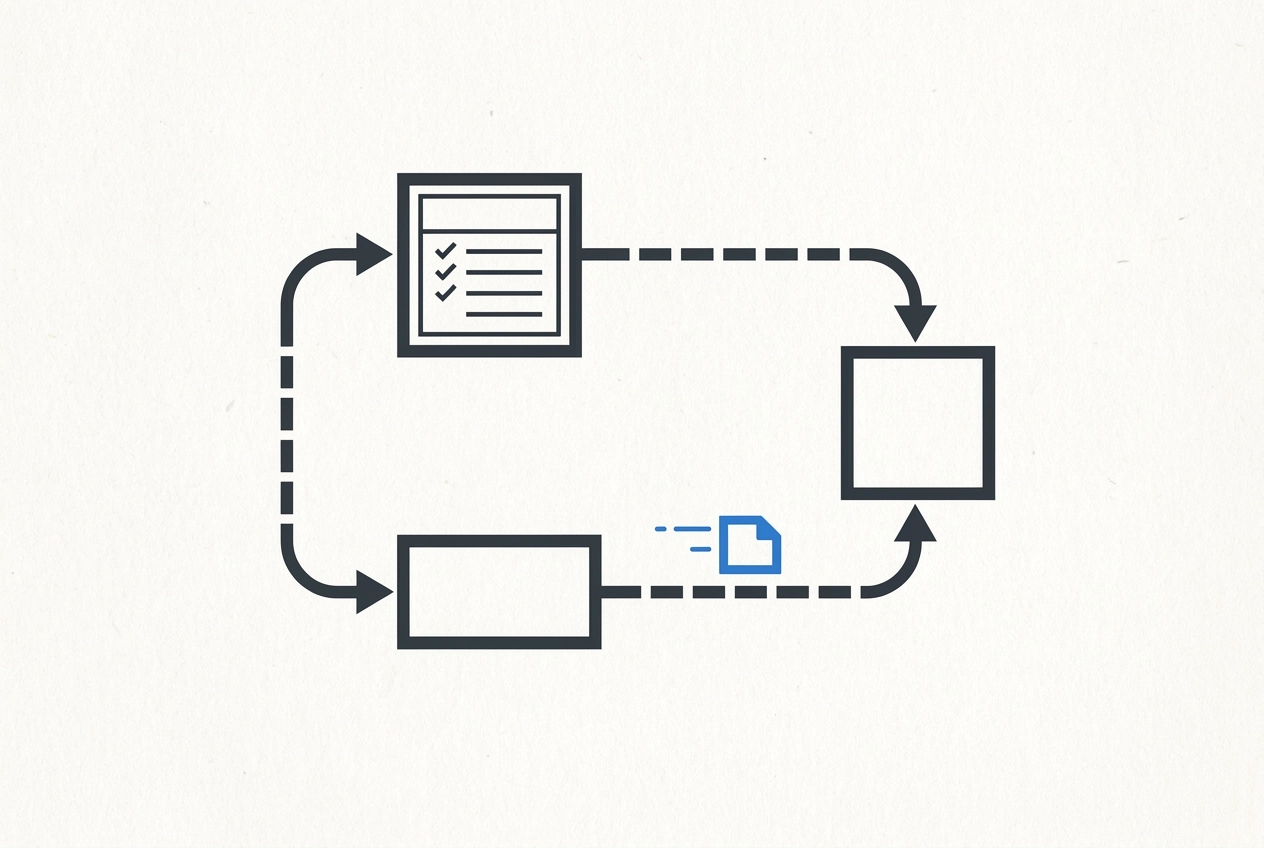
Someone on your team has the answer. It's just stuck in their inbox, or scribbled in a notebook, or living inside a spreadsheet only they know how to read. So instead of the work moving forward, someone has to go find the information first. Sound familiar?
This is the quiet problem that small business job tracking software is actually designed to solve. Not the clutter. Not the ugly formatting. The fact that information doesn't move unless a person moves it manually, and that person is usually already busy doing three other things.
In this post, we're going to walk through what that stuck-information problem really looks like in a working shop, and more importantly, what changes when a connected system replaces it. You'll see how the right setup makes information available to the right person at the right time, without anyone re-entering it or chasing it down. We'll cover which roles feel the biggest shift, what stops happening, and how to tell if your current setup has this problem in the first place. If you're running a small operation and wondering whether there's a better way, this one is for you.
The Real Problem with Spreadsheets Isn't the Spreadsheet
The spreadsheet isn't the problem. It's doing exactly what it was designed to do: store and organize information. The problem is that it doesn't talk to anything else. So someone has to.
In a small operation, that someone is usually the owner or the one person who knows where everything lives. They copy a bid into the job sheet. They text crew details pulled from the calendar. They re-enter hours into the invoice at the end of the week. Each step feels like normal work, but none of it would be necessary if the information moved on its own.
Research from IDC puts the cost of this kind of manual information chasing at roughly 2.5 hours per day per knowledge worker. In a 5-person shop, that's not a productivity metric, it's Tuesday afternoon. It's the owner on the phone confirming a detail that's already written down somewhere, just not somewhere the right person can see it.
The waste is easy to miss because it looks like coordination. Calling to confirm. Sending a follow-up. Typing the same address for the third time. None of it feels like a failure. It feels like how the job gets done.
If you recognize this pattern, the same information living in more than one place is usually the first visible sign. The real issue underneath is the gap between tools, and the manual handoffs that gap creates.
What Stuck Information Looks Like in a Real Shop
Here is what those gaps look like on an ordinary workday.
The estimator sends a bid and the customer accepts it, but that information lives in the estimator's inbox. The scheduler finds out when the customer calls asking about a start date two days away.
The crew wraps a job and heads to the next one. The bookkeeper can't invoice because hours are spread across three text threads and nobody has totaled them. The owner has to track them down before anything goes out.
A customer calls to check on their order. Whoever picks up doesn't know, puts them on hold, finds the owner, and waits while the owner scrolls to the right spreadsheet tab. The customer has been on hold four minutes for information that should have been one click away.
A job lands on the wrong date because the scheduling calendar and the job tracking sheet are two separate documents that nobody synced after the change was made.
Each is a handoff nobody automated. Understanding what real job cost data actually looks like in a small shop starts with recognizing where the information stopped moving in the first place.
What Actually Changes When the System Is Connected
So what does it look like when those gaps close?
A connected system means that one entry does the work of several. When information is entered or updated in one place, the people and steps that depend on it get notified or updated automatically. Nobody carries it there manually.
Here's what that looks like in practice:
The estimator marks a bid as accepted. The job appears in the scheduling view immediately, with the customer's name, address, and job details already attached. The scheduler doesn't need a phone call to find out it's ready.
The crew logs hours or marks a job complete. The bookkeeper's invoice queue updates. No text thread, no tracking anyone down, no waiting until Friday to piece it together.
A customer fills out an intake form. Their information populates a new client record, a job entry, and a follow-up reminder, all from that single submission. Nobody retyped anything.
Each of those scenarios removes a step that previously required someone to remember, reach out, and re-enter something that already existed somewhere else.
The real test: does information move on its own, or do people still have to carry it?
Three Roles That Change the Most
That shift plays out differently depending on where someone sits in the business. Three roles feel it the most.
The estimator or bidder stops keeping a separate notebook of what went out, what got accepted, and what fell through. The system tracks bid status and surfaces it when the next step needs it. Better yet, when small business job tracking software is connected to actual job history, the next bid is informed by what the work really cost last time, not a gut feeling.
The scheduler or dispatcher stops cross-referencing a whiteboard, a text thread, and a spreadsheet tab to figure out who is where and what is open. Job status, crew assignments, and available slots live in one view. When something changes on a job, they find out through the system, not because someone remembered to call.
The person handling invoices or bookkeeping stops chasing. Hours, materials, and job details are already in the system by the time an invoice needs to go out, tied directly to the job they came from. No follow-up texts to the crew required.
In each case, the job itself does not disappear. What disappears is the time spent gathering information before the real work can start. That is the part that quietly eats afternoons.
When evaluating any system, including crew&cost for trade contractors, the honest question is: which of these roles does it actually connect, and where does it still leave gaps that a person has to fill by hand?
What Stops Happening (and Why That's the Real Payoff)
Those role-level improvements point to something worth naming directly: the payoff isn't what the system adds. It's what it makes stop.
Double entry stops. The customer's name, address, and job details get entered once. They don't get retyped into a bid, then a job sheet, then an invoice, then a follow-up email. That single fact alone eliminates hours of repetitive work every week.
The chasing stops. No more calling the crew to find out if a job is done. No more texting the office to see if a check cleared. No more emailing a customer to re-confirm something they already told you at intake. That information is already in the system, and it moves without anyone carrying it.
The version problem stops. Three spreadsheet tabs mean three chances for the numbers to drift apart. One connected record means everyone is looking at the same information, whether they're in the field or at a desk.
Missed handoffs stop. The step that falls through the crack because one person assumed another person passed it along, that step gets eliminated when the system moves the information automatically.
From a process improvement standpoint, every one of these is waste: steps that consume time and create risk without adding value to the customer. A fitted system removes them at the root. It doesn't ask people to be more careful. It removes the conditions that made careful necessary.
Fitted vs. Generic: Why the Fit Matters for Small Business Solutions
All of that waste elimination only happens if the system actually fits how your work moves. That's where the generic-vs.-fitted distinction becomes important.
A generic system is built around an assumed workflow. It covers the common case well and then quietly requires workarounds for everything that doesn't match its assumed workflow. Those workarounds don't disappear; they just become the new normal, layered on top of whatever you were doing before.
A fitted system starts from your actual sequence. For a trade contractor, that might mean a bid accepted in the field automatically creates a job record with the right labor categories already attached, not a blank CRM record that someone has to relabel and configure later. For a service business, it might mean a booking form feeds directly into a scheduling view and a client record, with no one in the office manually re-entering what the customer already typed.
The value of custom small business solutions is not a longer feature list. It's the elimination of the specific gaps where manual work currently lives in your shop. That requires understanding how your jobs actually sequence, not just dropping in a template and hoping the edges line up.
The other reason fit matters: a poor fit doesn't just underperform. It adds a new layer of complexity on top of the process problems you already have. You end up maintaining the old workarounds and learning the new system's workarounds at the same time.
Before choosing any path, it's worth being clear on where your specific gaps are. Pick the path that fits based on your actual workflow, not the most feature-complete option on the shelf.
How to Tell If Your Current Setup Has This Problem
So how do you know if your business actually has this problem? Here are four questions worth sitting with.
Count the re-entries. Pick one piece of information, a customer name or job address, and trace it from first contact to final invoice. How many times does someone type it? If the answer is three or more, that's not a minor inconvenience; it's a built-in error risk on every single job.
Ask your scheduler. How do they find out a job is ready to be scheduled? If the answer involves a phone call, a text, or checking a separate document, there's a gap. The information existed somewhere; it just didn't move on its own.
Ask whoever handles invoicing. How do they gather what they need before sending a bill? If they have to track down anyone, the process has a gap. Good small business job tracking software closes that gap before the invoice is due, not after.
Count the memory-dependent steps. Walk your process from start to finish and notice how many handoffs require someone to remember to tell someone else. Each one is a step that works fine until that person is sick, busy, or gone.
If most of your answers are "we just handle it," someone is absorbing that friction personally -- and that limits how much the business can grow without you.
Where crew&cost and Custom Builds Fit In
If those gaps showed up when you looked honestly at your process, here's where the tools from 1Site2See address them directly.
crew&cost is built for trade contractors who need job costing, bids, invoices, and crew tracking in one place. The part that separates it from a generic spreadsheet is the smart bidding feature: it pulls from real labor and cost history on past jobs, so when you build a new bid, you're working from what the work actually cost last time, not a number you pulled from memory.
Custom Builds are for businesses that don't fit a trade contractor mold. They're configured around three frameworks, client and job tracking, inventory and product tracking, and booking and intake, and they connect tools a business already uses. The goal is simple: information you enter once stops needing to be re-entered somewhere else by hand.
Neither option is a template dropped onto your existing process. The starting point is understanding how work actually moves through your business, then building the system to match that flow.
When small businesses are evaluating job tracking software, the feature count is the wrong thing to measure. The right question is: which option closes the specific gaps where your information currently gets stuck?
That's a process question, not a software question. Which is why the right starting point is usually a conversation, not a demo.
The Shift That Changes How the Whole Team Works
Once you know which solution fits, the actual shift is simpler to describe than it sounds: information starts reaching the right person without anyone carrying it there. That shift is the real payoff.
And it doesn't just change one person's workload. It changes how the whole team coordinates.
Here's a practical place to start. Map one end-to-end process in your business, from the first time a customer contacts you to the moment you send a final invoice. Then count the handoffs. Specifically, count how many of them depend on someone remembering to pass information along, rather than the system moving it automatically.
That number tells you more than any software demo will. It shows you exactly where a fitted system would earn its keep, and where your current setup is quietly burning time.
If what you find looks familiar, that's worth paying attention to. When the same breakdowns keep happening across different jobs and different people, the problem is almost never the people. It's the process. And the process is the right place to start.
Conclusion
The core idea here is straightforward: when information moves on its own, your whole team works better. Spreadsheets and disconnected tools are not the enemy; stuck information is. A fitted system closes the gaps between roles, so work passes cleanly from one person to the next without anyone carrying it manually.
Fewer dropped handoffs, less repeated work, and a team focused on the job instead of chasing updates.